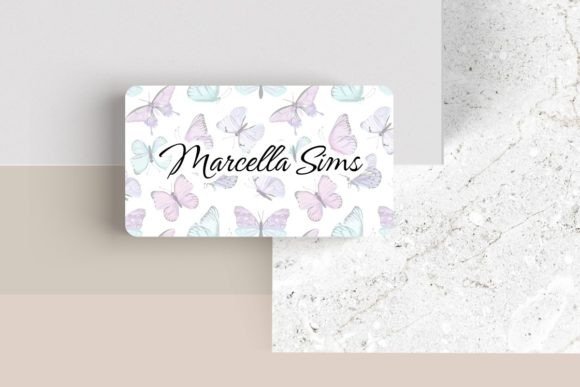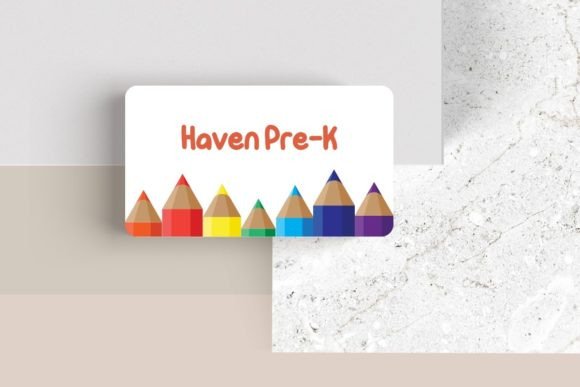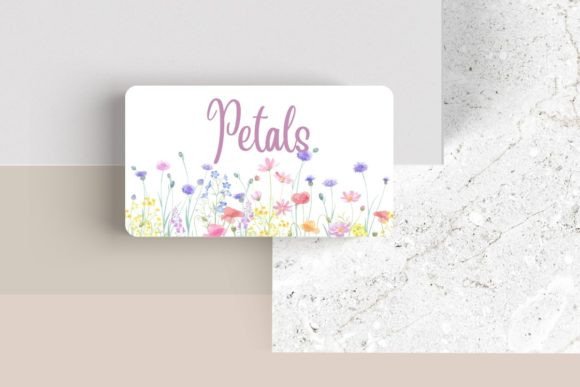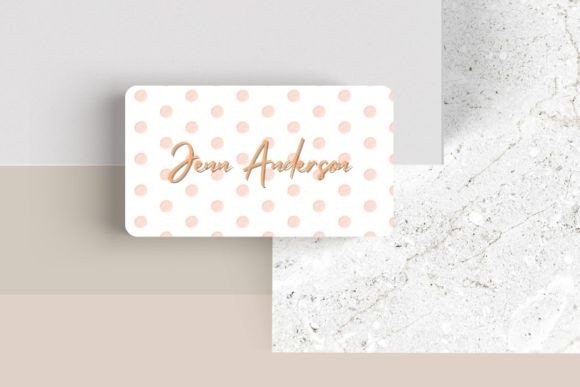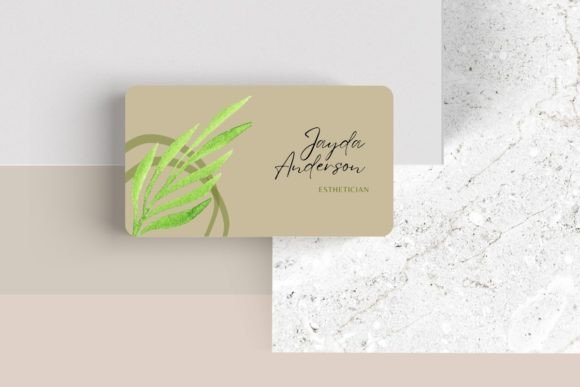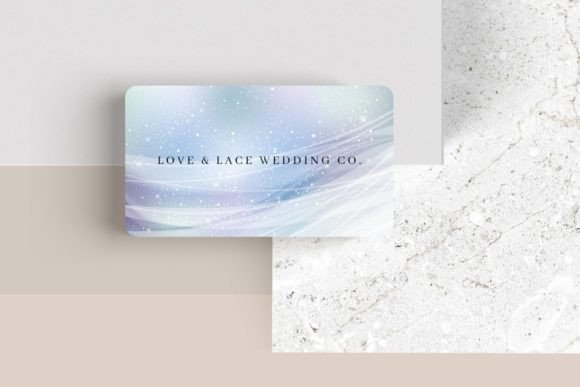
Editable Canva Business Card #43: Your Brand's First Impression
Your business card is often the very first physical item a potential client or connection receives. It needs to do more than just share contact information; it needs to convey your brand's personality and professionalism in an instant. The Editable Canva Business Card #43 is designed for exactly this purpose, offering a sleek, modern template that puts creative control directly in your hands, ensuring your first impression is a memorable one.
This template stands out by providing exceptional design flexibility. Unlike static, pre-made cards, this editable Canva business card allows you to customize every single detail. You can adjust the font, font color, and size to match your brand's specific typography. Easily add your own logo, move elements around to create a unique layout, or incorporate additional photos and graphics. This level of control is crucial for building a cohesive brand identity, where every touchpoint—from your website to your business card—tells the same visual story.
Creative Applications for a Modern Business Card
The versatility of this design makes it suitable for a wide range of professionals and projects. Consider how it can serve different needs:
- Freelancers & Entrepreneurs: Quickly create a professional card that reflects your personal brand without the cost of a custom designer.
- Startups & Small Businesses: Ensure team consistency with a template everyone can use, adapting it for different roles while maintaining a unified look.
- Creative Agencies: Use it as a base for client presentations, demonstrating how typography and layout changes can alter a brand's feel.
- Event Professionals: Design cards for speakers, hosts, or sponsors that are both informative and visually aligned with the event's theme.
Beyond networking, the design principles embedded in this card template can inspire other marketing materials. The clean layout and thoughtful use of space are excellent examples of modern typography in action, applicable to social media graphics, poster designs, and even packaging layouts.
Tips for Customizing Your Card Effectively
To get the most out of the Editable Canva Business Card #43, approach the customization process with strategy. First, consider the mood you want to set. A minimalist sans-serif font will feel clean and contemporary, while a subtle serif can add a touch of classic elegance. Test your chosen font pairing for readability at the card's standard 3.5″ x 2″ size—what looks good on screen must be legible when printed.
When adding your logo and adjusting elements, aim for visual balance. Use Canva's alignment tools to ensure everything sits neatly. Remember, white space is your friend; it prevents the card from feeling cluttered and guides the eye to the most important information. This attention to detail is what elevates a design from good to professional, enhancing brand recognition and trust.
Finally, always double-check the licensing for any additional assets you upload, like logos or photos, to ensure they are cleared for commercial use. A well-designed card is an investment in your professional presentation. By choosing a flexible and thoughtfully crafted template like this one, you're not just printing contact details—you're creating a powerful design asset that works for your brand long after the initial handshake.