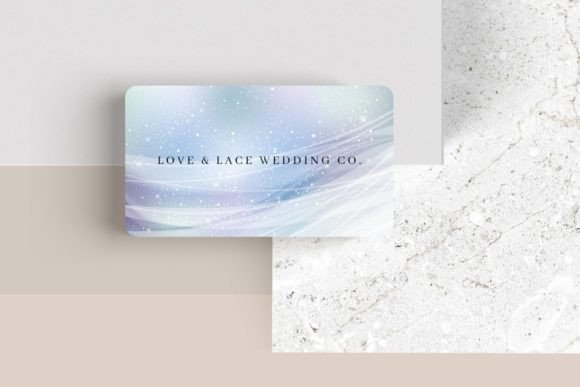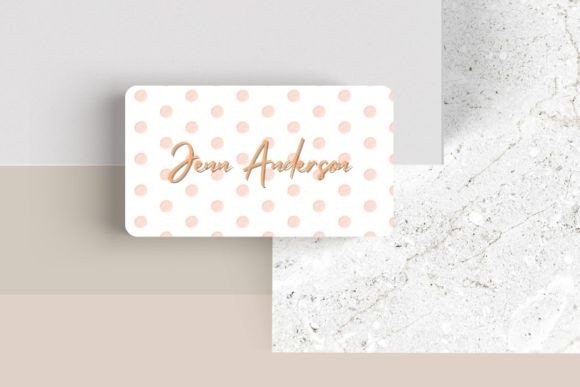
Editable Canva Business Card #38: Stand Out with a Sleek Design
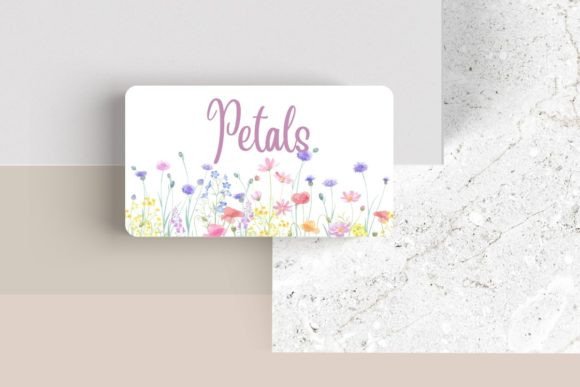
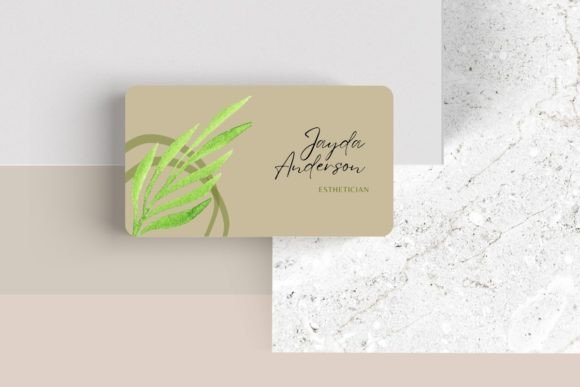
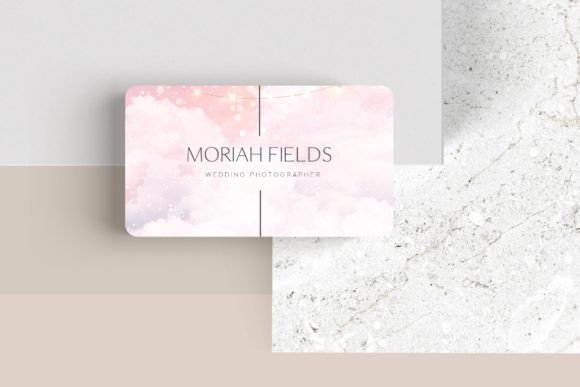
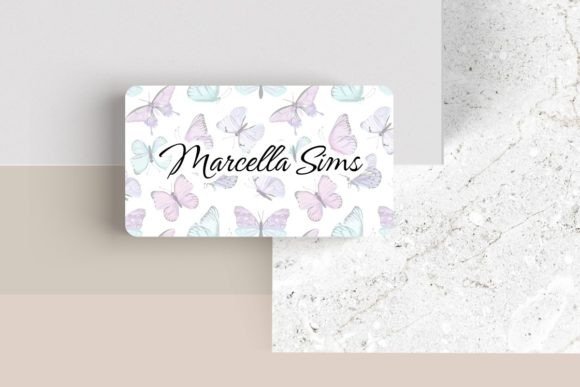
First impressions in business are often made on a small, 3.5″ x 2″ piece of cardstock, making your choice of design asset critically important. The Editable Canva Business Card #38 offers a sleek, modern template that provides the creative flexibility needed to craft a card that truly represents your brand identity. This isn't just a static file; it's a dynamic design foundation for professionals who want to control every detail of their visual presentation.
Designed for use within Canva, this template allows you to customize fonts, colors, layouts, and logos with ease. Its value lies in its adaptability. For a freelancer, it can project the polished look of an established agency. For a startup founder, it can communicate innovation and clarity. The template's modern typography and clean layout ensure your contact information is presented in a professional and eye-catching way, helping you stand out from the crowd at any networking event.
Where This Design Template Shines
The practical applications for a versatile business card template extend far beyond traditional networking. Consider using Editable Canva Business Card #38 as part of a larger brand identity system. Its design principles can inform your social media graphics, creating visual consistency across platforms. The same font pairings and color scheme can be adapted for web design elements, ensuring your digital presence feels cohesive with your physical collateral.
Entrepreneurs and creators can leverage this template in several key scenarios:
- Brand Launch: Quickly generate professional cards for a new product or service line without a lengthy design process.
- Event Materials: Create cohesive name badges, speaker cards, or promotional handouts for conferences and workshops.
- Digital Products: Use the design as a stylistic reference for packaging design mockups, poster design for sales, or editorial design for digital lookbooks.
- Merchandise & Invitations: The aesthetic can inspire designs for stickers, thank-you cards, or event invitations, maintaining a unified brand feel.
Tips for Customization and Font Selection
When personalizing your card, think like a designer. The template's customization options—font style, color, and element placement—are your tools. Start by ensuring readability. A display font might be striking for your name, but pair it with a clear sans serif font for your contact details. Test different font pairings within Canva to find a combination that reflects your brand's mood, whether it's professional, creative, or approachable.
Consider the broader context of your design assets. If your brand uses a specific script font or handwritten font elsewhere, see if a complementary weight or style is available in Canva to maintain consistency. Always review the licensing for any added elements to ensure they are cleared for commercial use. The goal is to create a premium font experience that elevates your entire brand presentation, making it look intentional and polished.
Ultimately, a well-chosen and carefully customized business card does more than share contact information. It communicates your attention to detail, your understanding of modern typography, and your commitment to quality. Editable Canva Business Card #38 provides the framework; your creativity and strategic choices bring it to life, resulting in a powerful piece of your brand's story that you can confidently hand to anyone.