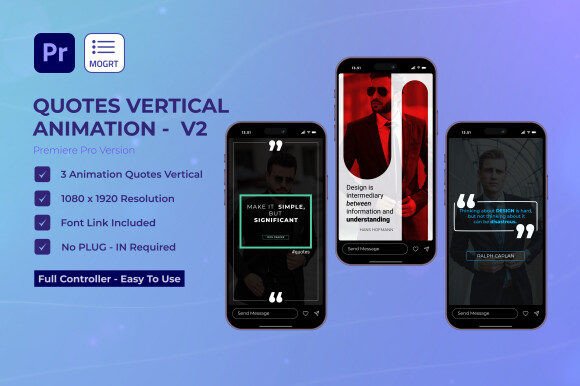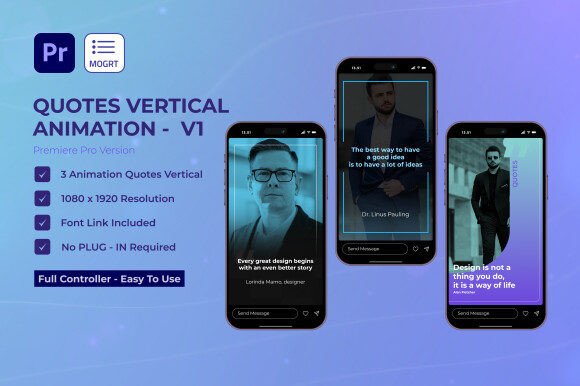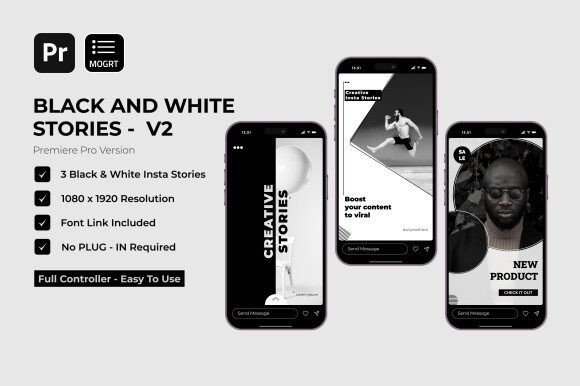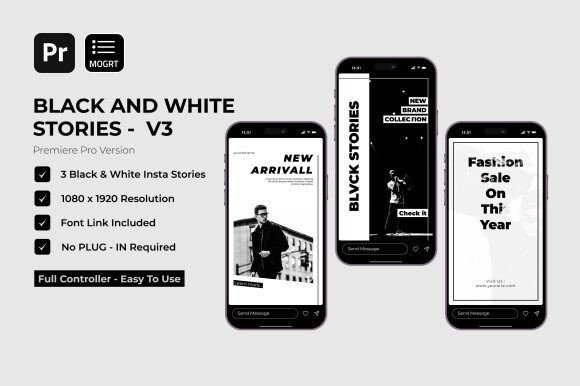
YT Insta Stories for Premiere Pro: Elevate Your Content
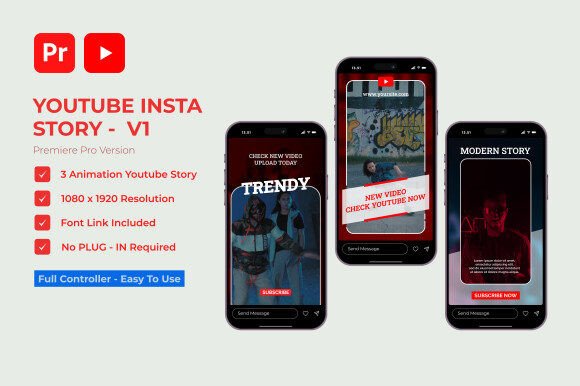
Imagine transforming your video narratives with a single, intuitive tool that blends professional polish with creative freedom. That’s the promise of the Youtube Insta Stories V1 | Premiere Pro MOGRT project, a versatile template designed specifically for modern storytellers, vloggers, and content creators seeking to enhance their visual presence without the complexity of advanced editing.
This project provides three unique YouTube Stories templates, each built for seamless integration into Adobe Premiere Pro. Its value lies in its blend of simplicity and depth. With full creative control, you can easily customize colors to match your brand identity, swap fonts to suit the mood of your content, and drag and drop your media directly into the timeline. The absence of required plugins and a well-organized file structure means you spend less time troubleshooting and more time crafting your narrative. It’s a design asset that acts as a creative accelerant.
Practical Applications for Creators and Designers
The true strength of a tool like this is its adaptability across various projects. Consider these use cases where its features shine:
- Social Media Graphics & Branding: Quickly produce consistent, on-brand Stories for Instagram, Facebook, or YouTube, reinforcing your visual identity and improving audience recognition.
- Product Launches & Packaging Design Visuals: Create dynamic video teasers for new products, using modern typography and animations to convey quality and excitement.
- Event Promotions & Invitations: Design engaging video invites for webinars, live streams, or local events, ensuring your message stands out in crowded feeds.
- Editorial Content & Digital Products: Enhance tutorial videos, educational content, or online course materials with polished lower-thirds, titles, and transitions that hold viewer attention.
Tips for Integrating and Customizing
To get the most out of such a template, approach it as you would selecting a premium font for a logo or poster design. First, check the readability of the text elements within the animations, especially on mobile screens. The included font link allows you to test and choose typefaces that complement the template’s modern typography.
Next, match the mood of the project. The easy color customization lets you align the templates with your existing brand palette or the specific tone of a video—whether it’s energetic, minimalist, or elegant. Don’t hesitate to test font pairings; combine the suggested script or handwritten font with a clean sans-serif for dynamic contrast in your titles and body text.
Finally, always review the license to ensure it covers your intended use, whether for personal vlogs or commercial client work. Using a well-organized template like this ensures your workflow remains efficient, allowing you to maintain visual consistency across all your content.
Choosing the right tools is about finding that balance between capability and ease of use. A resource like the Youtube Insta Stories V1 | Premiere Pro project offers a focused solution for enhancing video storytelling, helping you present your ideas with the professionalism and visual appeal needed to captivate and grow your audience. It’s less about the tool itself and more about the polished, engaging content it empowers you to create.