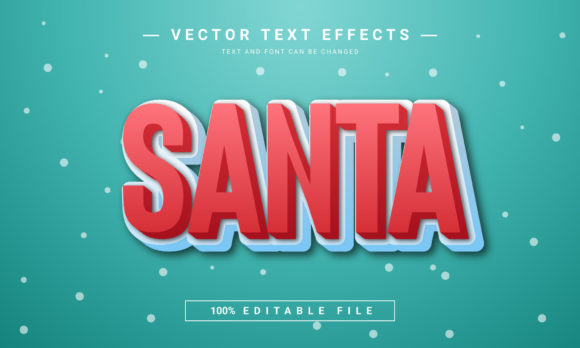
Create Festive Magic with Santa Editable Text Effect
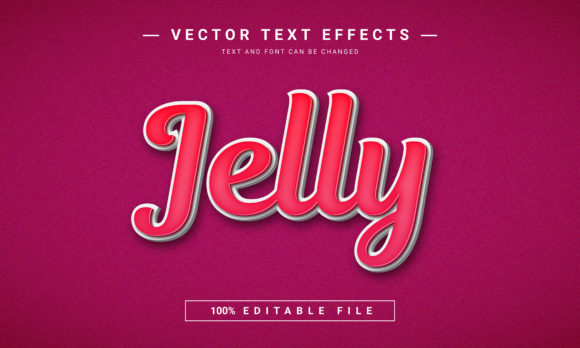
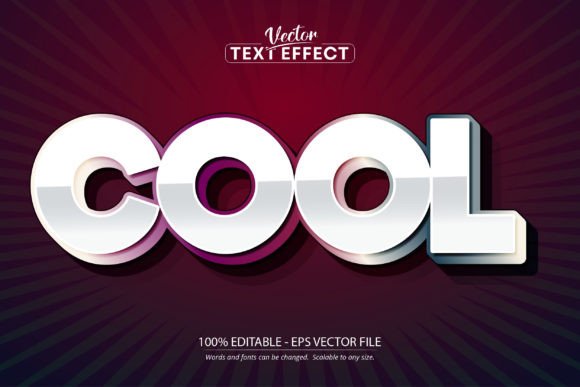
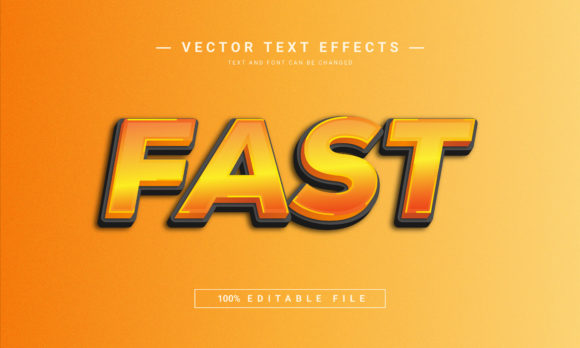
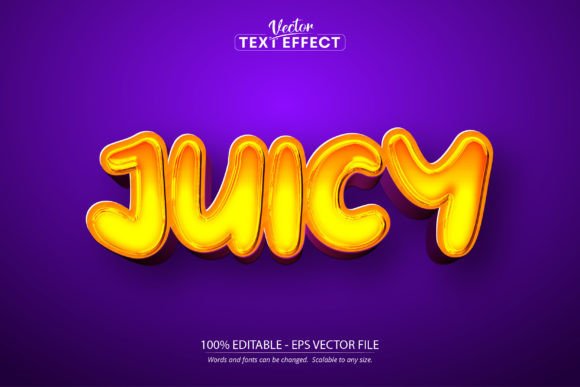
Imagine crafting a holiday design that instantly captures the joyful, sparkling spirit of the season with just a few clicks. The Santa Editable Text Effect offers a stunning 3D text style that brings a professional, festive polish to any project. What makes this design asset particularly valuable is its complete editability. You are not stuck with a static image; you can transform any text into this captivating holiday effect simply by copying, pasting, or typing your own words. Font choices, letter spacing, sizes, and colors can all be easily adjusted to match your specific creative vision.
This versatility opens up a world of possibilities for designers, crafters, and content creators. Whether you are building a brand identity for a seasonal product or designing social media graphics, the ability to customize every detail ensures your work remains unique and on-brand. The effect is delivered as a layered EPS file with a generous 2000×1200 pixel dimension, providing ample resolution for both digital and print applications. Its 72 DPI RGB color mode is optimized for vibrant screen display, making it perfect for web banners and online promotions.
Practical Applications for Your Holiday Projects
The true strength of a premium font or text effect lies in its application. The Santa Editable Text Effect is designed to be a versatile tool in your creative toolkit. Consider using it to elevate the following projects:
- Poster and KDP Paperback Design: Create eye-catching titles for holiday event posters, children’s books, or seasonal novels. The 3D depth adds a tactile quality that draws readers in.
- Digital Marketing Assets: Design compelling Facebook covers, website banners, and email headers that announce sales, events, or festive greetings with professional flair.
- Game and App Interfaces: Implement a cheerful, thematic text style for game titles, splash screens, or in-app notifications during the holiday season.
- Physical Merchandise and Packaging: From gift tags and wrapping paper to festive packaging design, this effect can help create a cohesive and premium look for products.
Tips for Seamless Integration and Professional Results
To make the most of any creative font or design asset, a thoughtful approach is key. When working with the Santa Editable Text Effect, keep these practical considerations in mind. First, always test the readability of your final text at the intended size, especially for smaller applications like subtitles or body text. While the effect is stunning, clarity should never be compromised.
Next, think about font pairing. If you are using this effect for a headline, pair it with a clean, simple sans serif or serif font for supporting text to maintain visual hierarchy and balance. The mood of the effect is festive and playful, so ensure it aligns with the overall tone of your project—whether it’s a whimsical invitation or a bold promotional poster. Finally, always review the license to confirm it fits your intended use, whether for personal projects or commercial client work.
Choosing the right typeface or effect is more than an aesthetic decision; it’s a strategic one that influences brand recognition and the professional perception of your work. A well-designed asset like this saves time, ensures consistency, and provides a solid foundation for creativity. By integrating the Santa Editable Text Effect into your workflow, you gain a reliable tool for producing polished, visually engaging holiday designs that resonate with your audience.